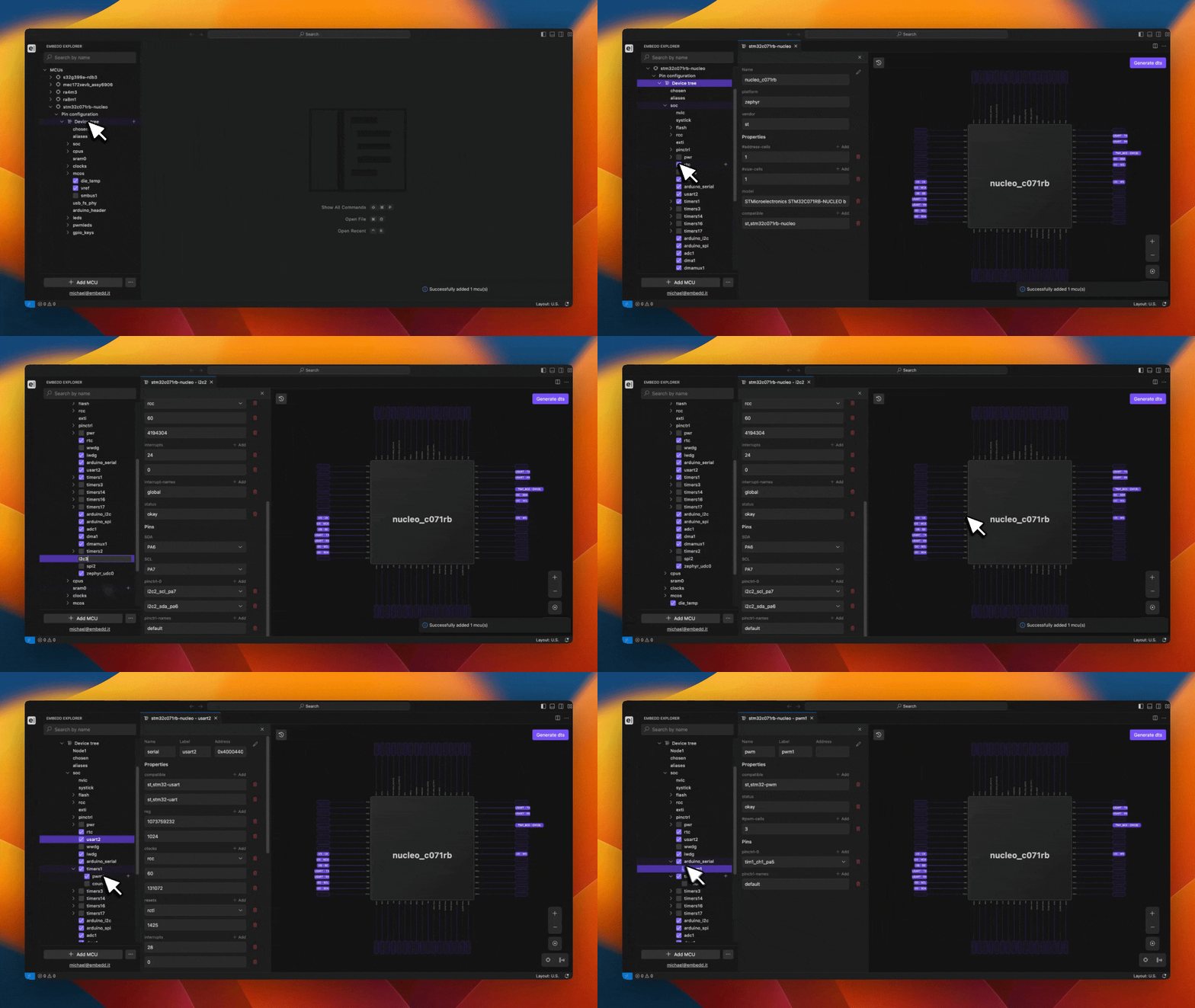
| Open the MCU/MPU schematic | Click Pin Configuration section or click the name of any node in the sidebar | Opens the MCU/MPU schematic view |
| Open a node’s Properties Panel | Select the node’s name in the sidebar | Opens the Properties Panel for that node |
| Rename a node | Right-click the node, select Rename | Node name becomes editable / is updated |
| Delete a node | Right-click the node, select Delete | Removes the node |
| Add a new node | Click the [ + ] icon next to the desired parent node | Opens a dialog to either create a blank node or pick a node from an available list |
| Reorder / relocate nodes | Use drag-and-drop | Changes node order and/or parent location |